Digital signage software for advertising screens
Every screen. One powerful platform.
Manage your digital signage from one cloud dashboard. Publish content, schedule playback, and monitor your screens remotely, all in one place.
Centralized control · Flexible scheduling · Remote management
Features
Control your screens from anywhere.
Manage media, publish content, and schedule playback across your digital signage network from one cloud dashboard. Keep every screen in sync without visiting each location.
Store and organize images, videos, and playlists in one central library. Keep your content ready to publish across your screen networks.
Update content remotely and distribute changes to selected screens or groups, without needing to visit each location.
Plan playback by time and location to deliver the right content to the right screens at the right moment.
Coordinate content across multiple displays to create a unified, large-format viewing experience.
Check device status and connectivity from one dashboard, helping your team identify issues and manage screens more efficiently.
Want to see everything Viewixsoft CMS can do?
See every Viewixsoft CMS feature(opens in a new tab)Where it runs
What screens can run Viewixsoft CMS?
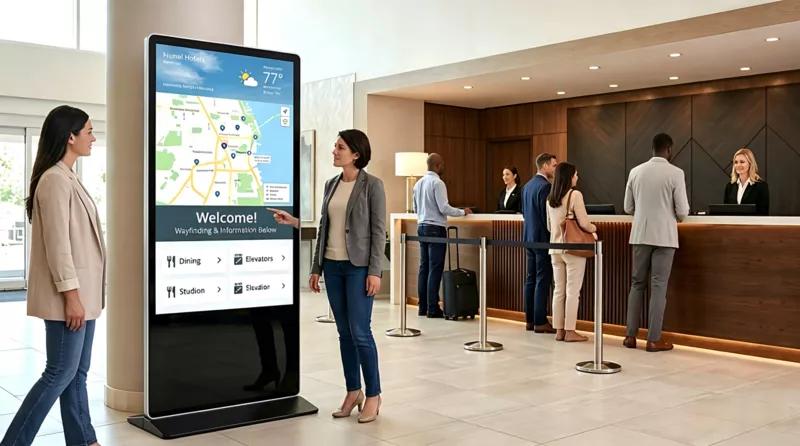
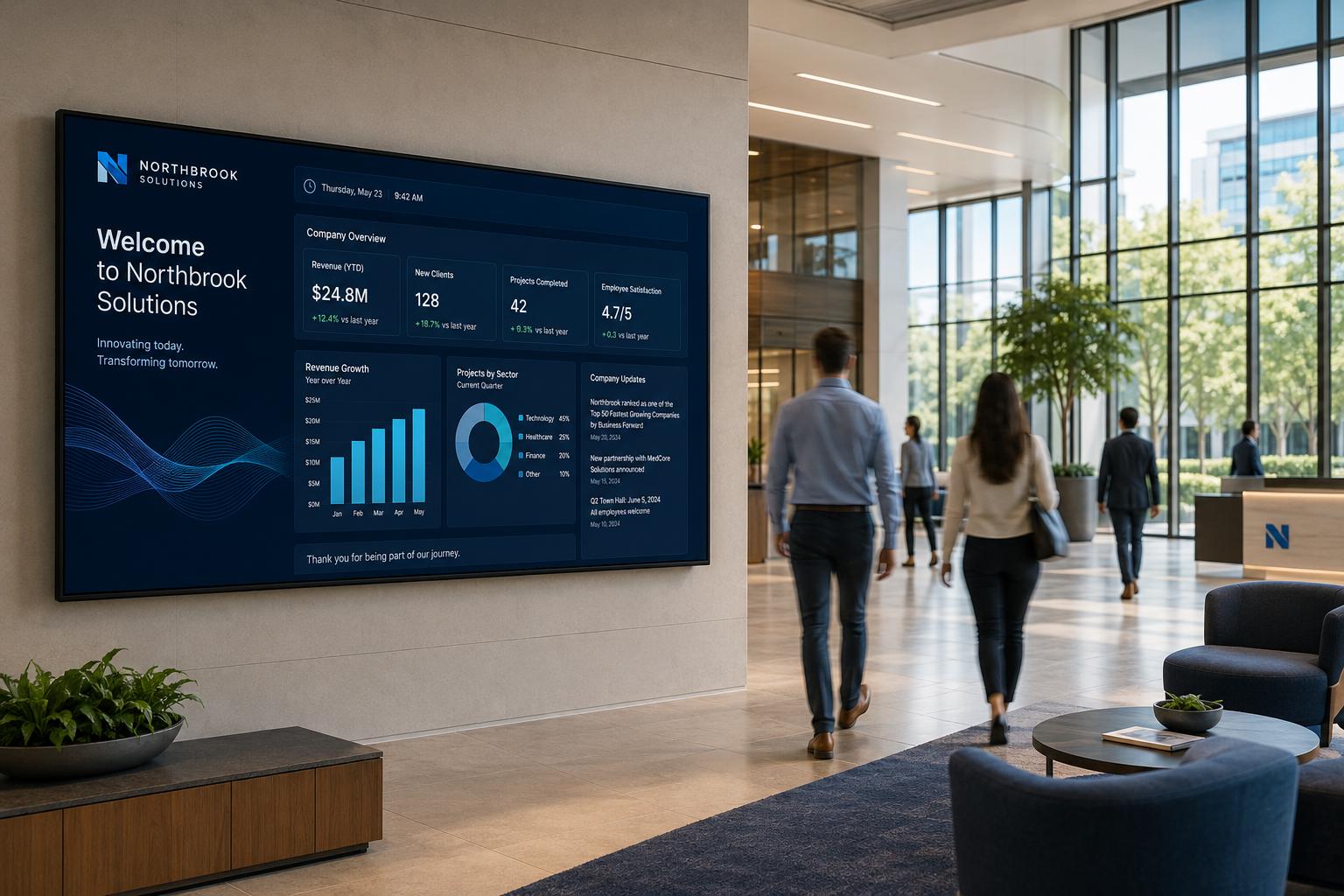
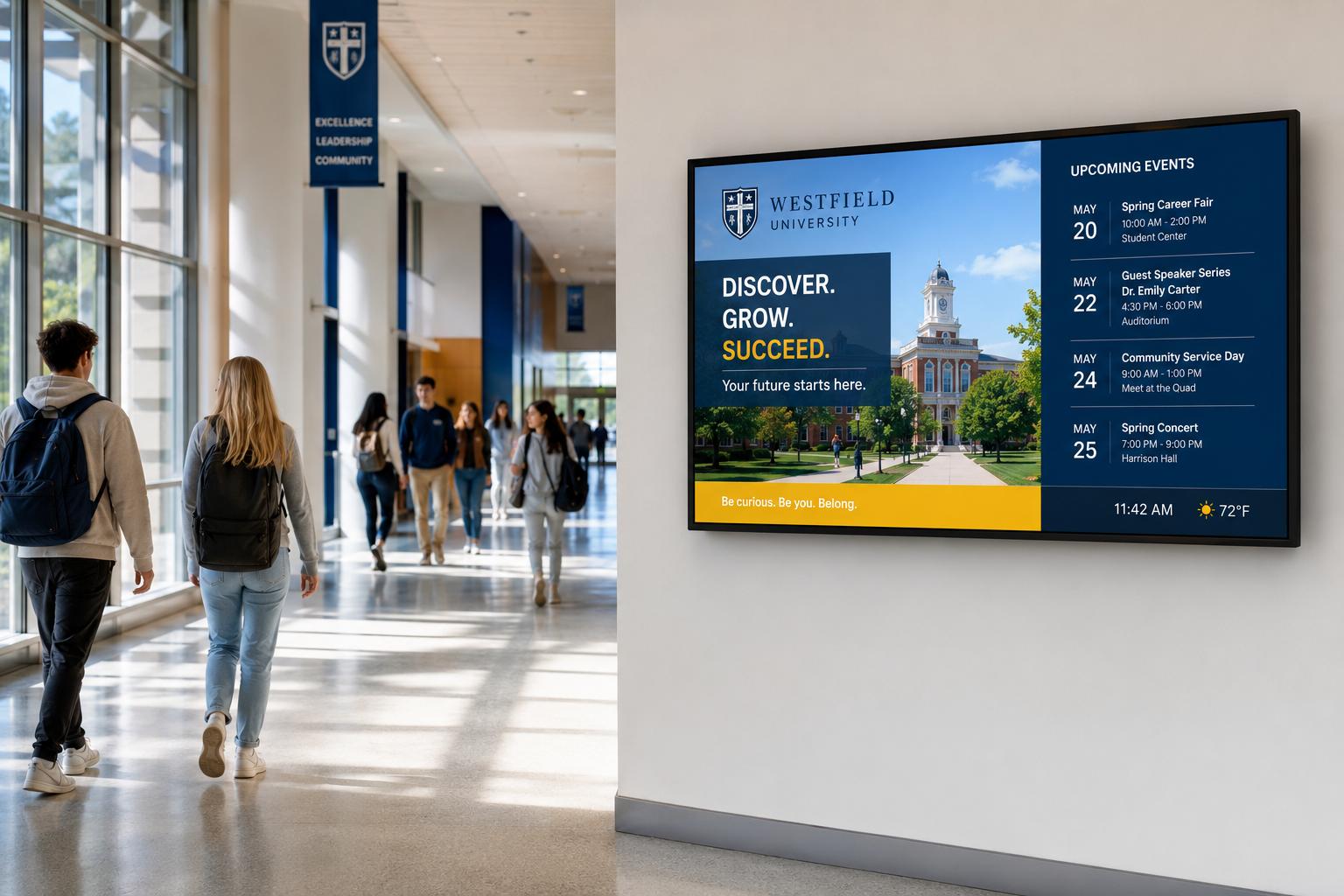
Viewixsoft CMS runs on menu boards, retail displays, interactive kiosks, tablets and transit screens, so one dashboard can control every screen type in your network.
Specifications
What does Viewixsoft CMS support?
Supported file formats, player devices and operating systems, screen resolutions and, where offered, the server needed to host Viewixsoft CMS yourself.
Supported media formats
- Video
- MP4, MOV (H.264)
- Images
- JPG, PNG, WebP, GIF
- Audio
- MP3, AAC, WAV
- Web and documents
- Web pages (URL), HTML5, PDF
- Resolution
- Full HD (1920 × 1080) and 4K UHD (3840 × 2160)
Player devices and operating systems
- Operating system
- Android 11 or later
- Chipsets
- Rockchip RK3566, RK3576, RK3588
- Memory
- 2 GB RAM and 32 GB storage minimum
- Network
- Wi-Fi or Ethernet; plays cached content when offline
Screen resolutions
- 16:9 landscape
- 1920 × 1080 (Full HD), 3840 × 2160 (4K UHD)
- 9:16 portrait
- 1080 × 1920 (Full HD), 2160 × 3840 (4K UHD)
Self-hosted server
For customers who run Viewixsoft CMS on their own server instead of the cloud.
- CPU
- Intel Core i5 12th gen or Intel Xeon E-2300 series or newer (4 cores / 8 threads)
- RAM
- 16 GB minimum, 32 GB recommended for large networks
- Storage
- 512 GB NVMe SSD, plus space for your media library
- Server OS
- Ubuntu Server 22.04 LTS
- Network
- Static IP, HTTPS (port 443) open to your screens
Pricing
How much does Viewixsoft CMS cost?
Viewixsoft CMS costs $48 per screen licence per year, and less per year on 2, 3 and 5 year plans. Networks of 20 or more screens can run it on their own server, and enterprises can ask for a custom quote.
- Real-time cloud sync 24/7
- High-speed CDN storage
- SSL-encrypted security
- Flexible playback scheduling
Up to 19 online.
1 × $48 · 1 year
$48
Prices in USD, per screen licence.
End user (enterprise)
Minimum 20 licences
$120/ licence
≈ $2,400 for 20 licences
SI / reseller
Minimum 20 licences · 15% off list
$94 – $102/ licence
≈ $1,880 for 20 licences
Volume discounts
- 40 licences: 15% off (end user ≈ $102 / licence)
- 50 licences: 20% off (end user ≈ $96 / licence)
Enterprise
Custom pricing
For large or multi-country screen networks that need custom licence volumes, contract terms or deployment. Tell us about your network and we will prepare a quote.
Contact salesTalk to sales
- Emailsales@viewixsoft.com
Recommended use cases for Viewixsoft CMS
Product FAQ
Frequently asked questions
Answers to common technical questions about Viewixsoft CMS. Have specific network requirements or need custom pricing? Contact our sales team directly.
Common questions
Quick answers about playback stability, remote screen controls, and hardware support.
What happens to my screens if the internet connection drops?
Viewixsoft CMS utilizes an intelligent client caching engine. Media and playlists are stored locally on the hardware player. In the event of network disruption, playback continues uninterrupted according to the existing schedule, and logs sync automatically upon reconnection.
Can I control screen brightness and power state remotely?
Yes. On supported Android 11+ players, Viewixsoft CMS lets you schedule when screens sleep and wake.
Does Viewixsoft CMS support video walls?
Yes, Viewixsoft CMS natively handles multi-display video wall synchronization, bezel compensation, and synchronized canvas mapping across multiple output cards.
Contact sales & request a demo
Speak with a Viewixsoft specialist about screen compatibility, volume licensing, or hardware procurement.
Book a demoPartner with us
Grow your business with Viewixsoft
Join the Viewixsoft partner network to bring digital signage to more businesses and open new revenue streams.